How to Track Feature Requests: 5 Systems That Scale
September 6, 2026
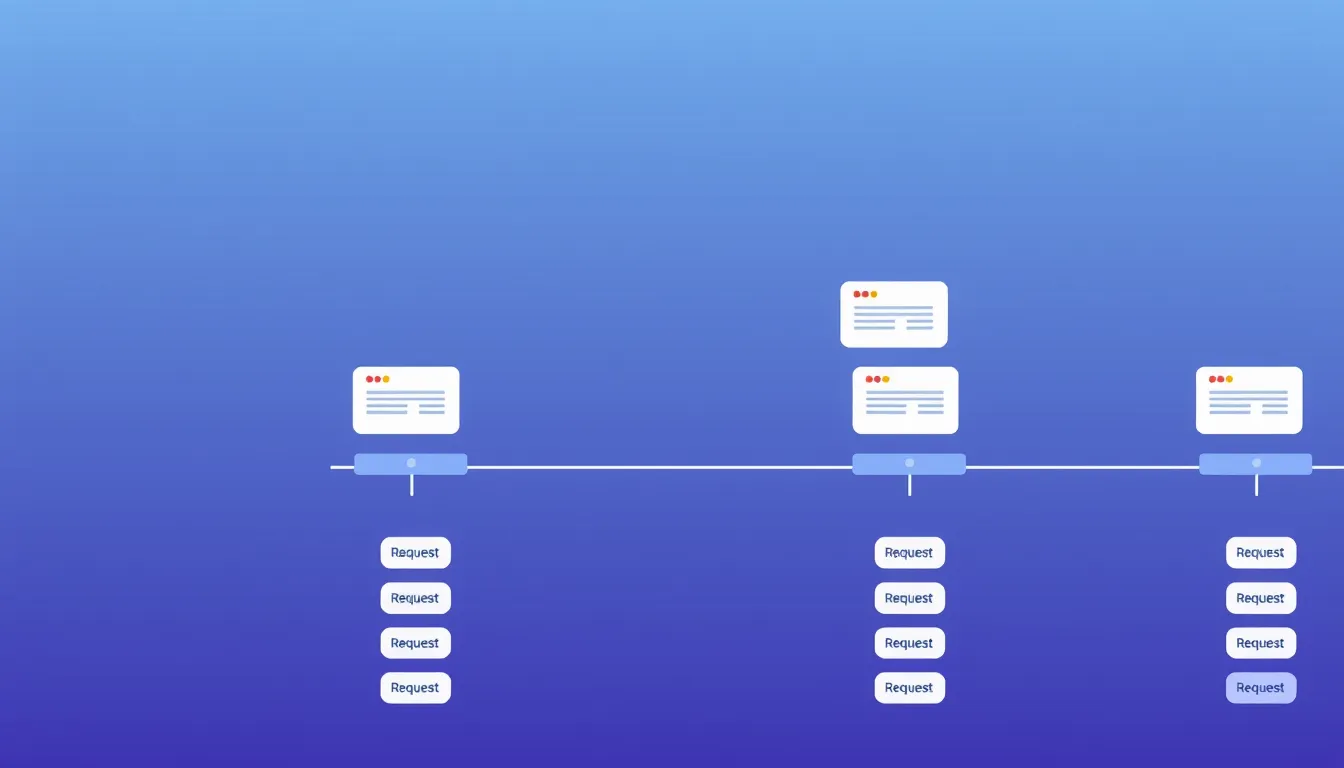
Tracking feature requests is one of those things every team improvises until it breaks. It works fine at ten requests and falls apart at a hundred, usually right when you most need to know what to build. Here are five systems for tracking requests, ordered roughly from scrappiest to most scalable, with honest trade-offs so you can pick the one that fits — and know when to level up.
1. A spreadsheet
The classic starting point. Columns for title, status, votes, and source, one row per request.
Good: free, flexible, zero setup. Breaks when: it's private (users can't see or vote), duplicates multiply because nobody knows what's been asked, and you're the only one maintaining it. Fine for your first month; painful by your first hundred requests.
2. Tags in your support inbox
Tag incoming tickets ("feature-request") and filter later. Requests get captured where they naturally arrive.
Good: no new tool, catches requests in context. Breaks when: there's no voting, so you can't see demand; requests stay buried in tickets; and reactive issues and feature ideas blur together. Best as an input to a real tracker, not the tracker itself.
3. A project tool (Jira, Trello, Linear, Notion)
Use a board or list you already have. Cards for requests, columns for status.
Good: integrates with your workflow, already in your stack. Breaks when: it's internal-only, so users can't participate; there's no public voting; and feature requests compete for attention with engineering tasks. Great for the build side, weak for the listen side.
4. A public feedback board
A dedicated board where users post and vote, requests auto-rank by demand, and statuses show progress.
Good: users self-serve (less work for you), voting gives a real demand signal, duplicates drop because people see existing requests, and it doubles as a public roadmap. Trade-off: it's another tool — though a lightweight one. This is where most growing products land, because it scales with your users instead of against them. FeatureRequest is built for exactly this. See what a feature request board is for the fundamentals.
5. A board plus a routing habit
The system that actually scales: a public board as the single source of truth, plus a habit of routing requests from every other channel onto it. Support tickets, sales calls, social mentions — whenever a real request shows up, it goes on the board (or an existing request gets a vote).
Good: one ranked list captures demand from everywhere. Requires: discipline. The rule "if it's not on the board, it doesn't exist" is what makes it work.
How to choose and when to upgrade
Start where you are. A spreadsheet or support tags are fine for the first handful of requests. Move to a public board the moment you find yourself losing track, fielding duplicates, or guessing at priorities — that's the signal you've outgrown a private list. For structuring the board itself, see our guide on organizing incoming requests with a tracker.
The scalable default
If you're setting this up fresh, skip the systems you'll outgrow and start with the one that scales. Create a free feedback board on FeatureRequest and give every request one place to live, rank, and get built.
Let your users tell you what to build
A public board where customers post requests and vote on them. Free for your first board.
Start free